![MS_Master_Horizontal_Reversed (1).png]](https://help.merchantspring.io/hs-fs/hubfs/MerchantSpring%20Logos/MS_Master_Horizontal_Reversed%20(1).png?height=30&name=MS_Master_Horizontal_Reversed%20(1).png)
Step 1: Add the Channel
- Log in to your MerchantSpring account.
- Navigate to the dashboard and select Add Channel.
- Choose Walmart Seller.
- Set the walmart country to United States.
- Enter your Store Name.
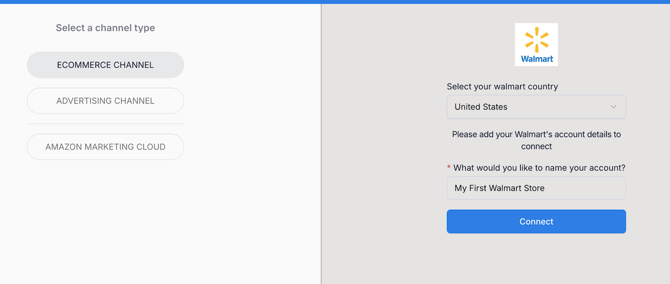
- Reconnecting an existing store? Your current store name will be used by default and cannot be changed during this step.
Step 2: Authorize in the Pop-up
- Click the Connect button.
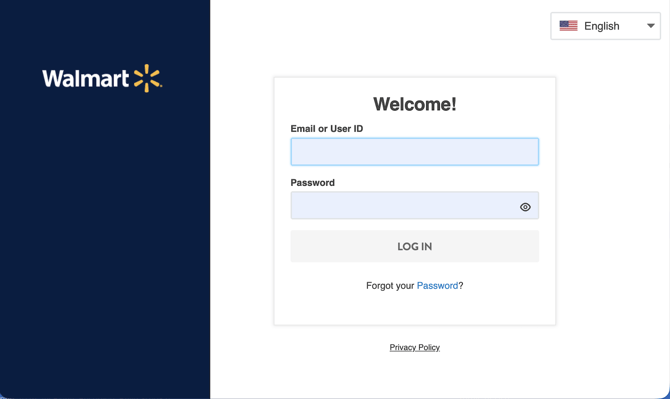
- A new, secure Walmart authorization pop-up window will appear.
- Enter your regular Walmart Seller Center credentials to log in.
- Review the list of requested data permissions (scopes) required by MerchantSpring to pull your reporting metrics.
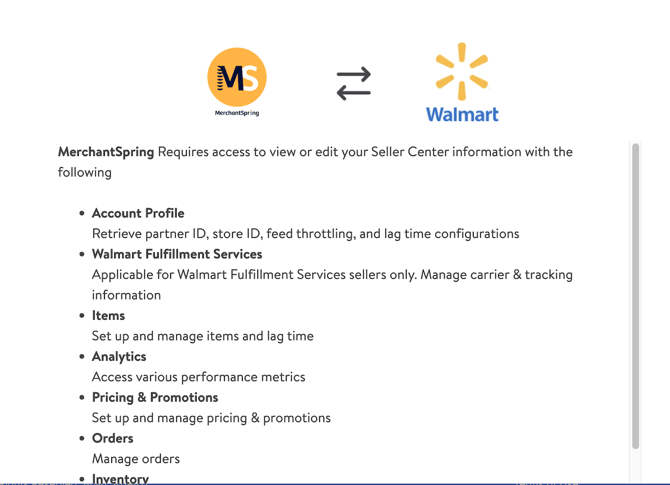
- Scroll to the bottom of the permissions page and click Authorize.
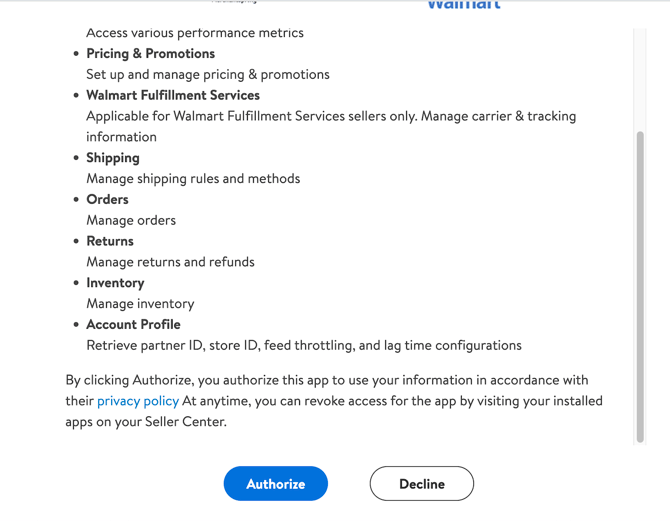
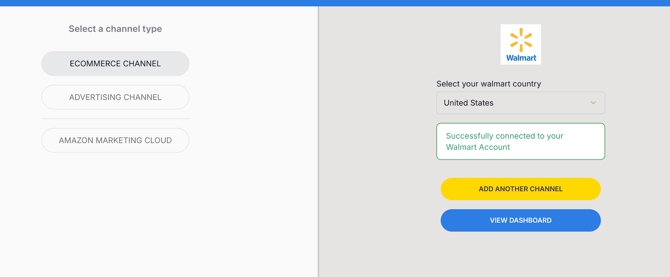
Once authorized, the pop-up will close, and you will see a confirmation message indicating that your store has been successfully connected.