![MS_Master_Horizontal_Reversed (1).png]](https://help.merchantspring.io/hs-fs/hubfs/MerchantSpring%20Logos/MS_Master_Horizontal_Reversed%20(1).png?height=30&name=MS_Master_Horizontal_Reversed%20(1).png)
MerchantSpring's public API documentation includes an interactive testing experience. It can help you confirm the endpoint, required parameters and response before implementing the request in your own code.
How to test a request- Open docs.merchantspring.io
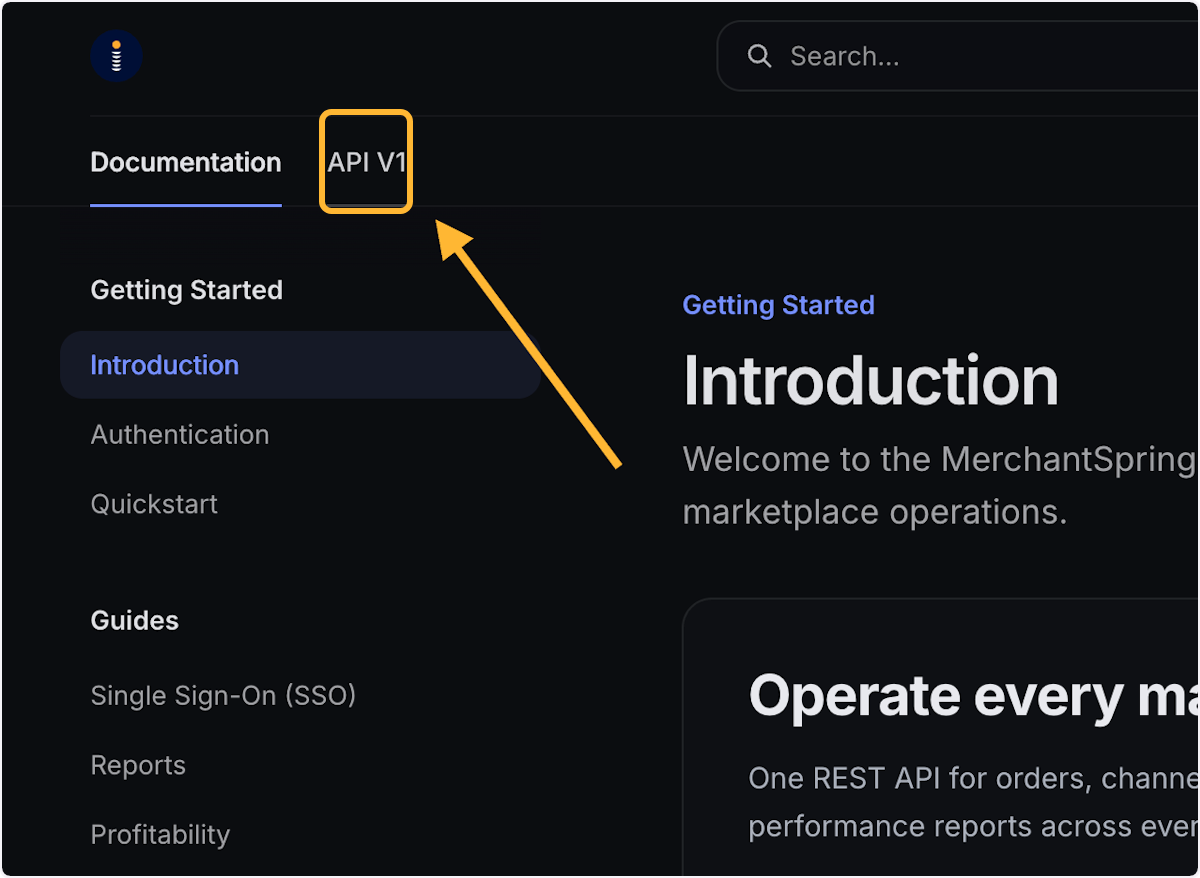
- Select the relevant endpoint and click 'API V1'
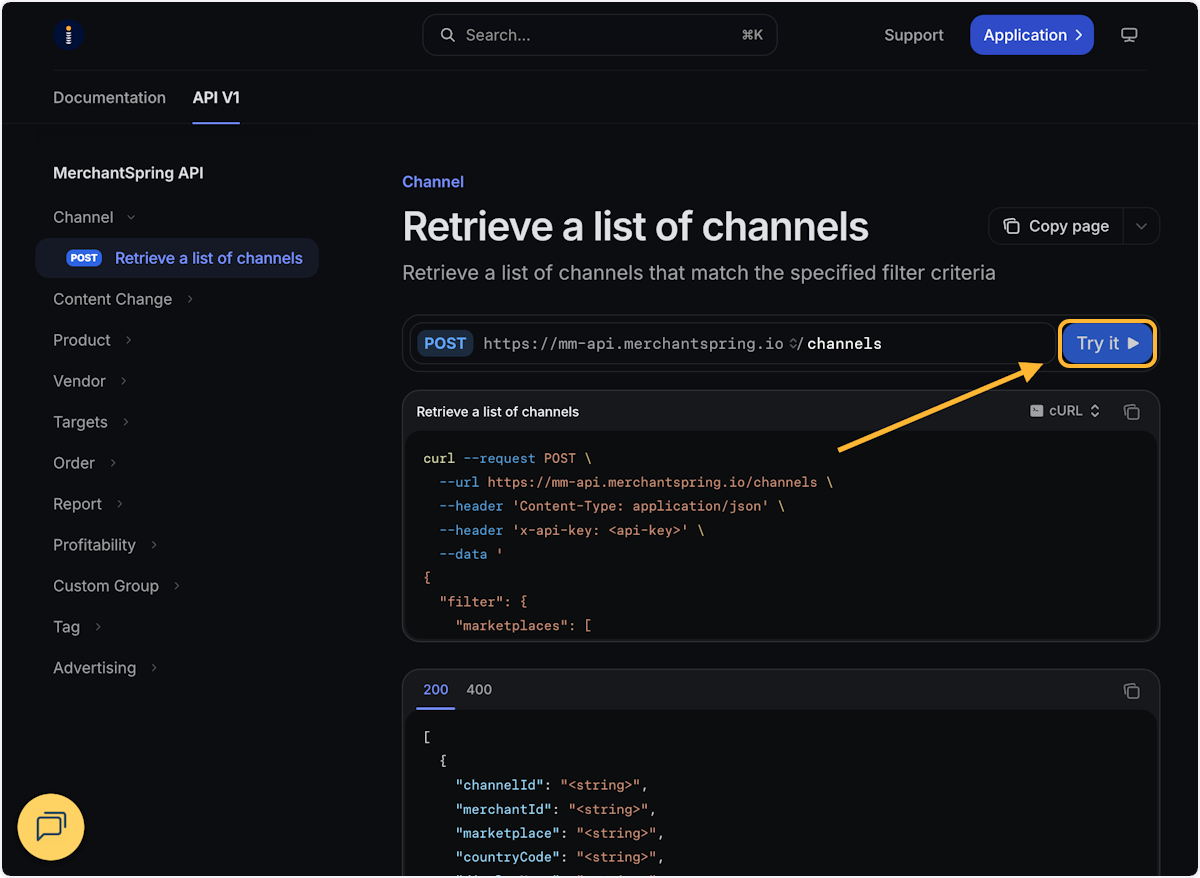
- Choose the interactive Try it option
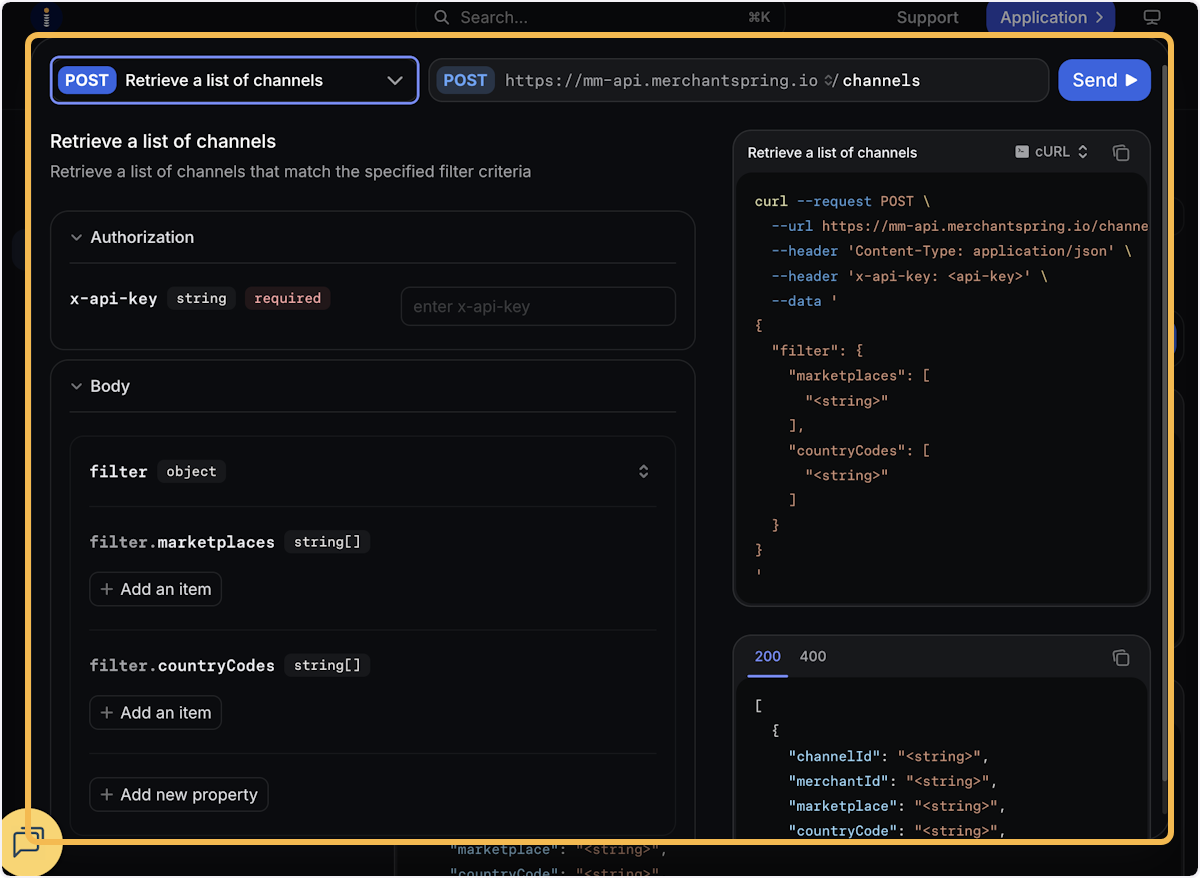
- Enter your API key without sharing or displaying it to others and add the required parameters and filters you would like to request
- Send the request and review the response and HTTP status
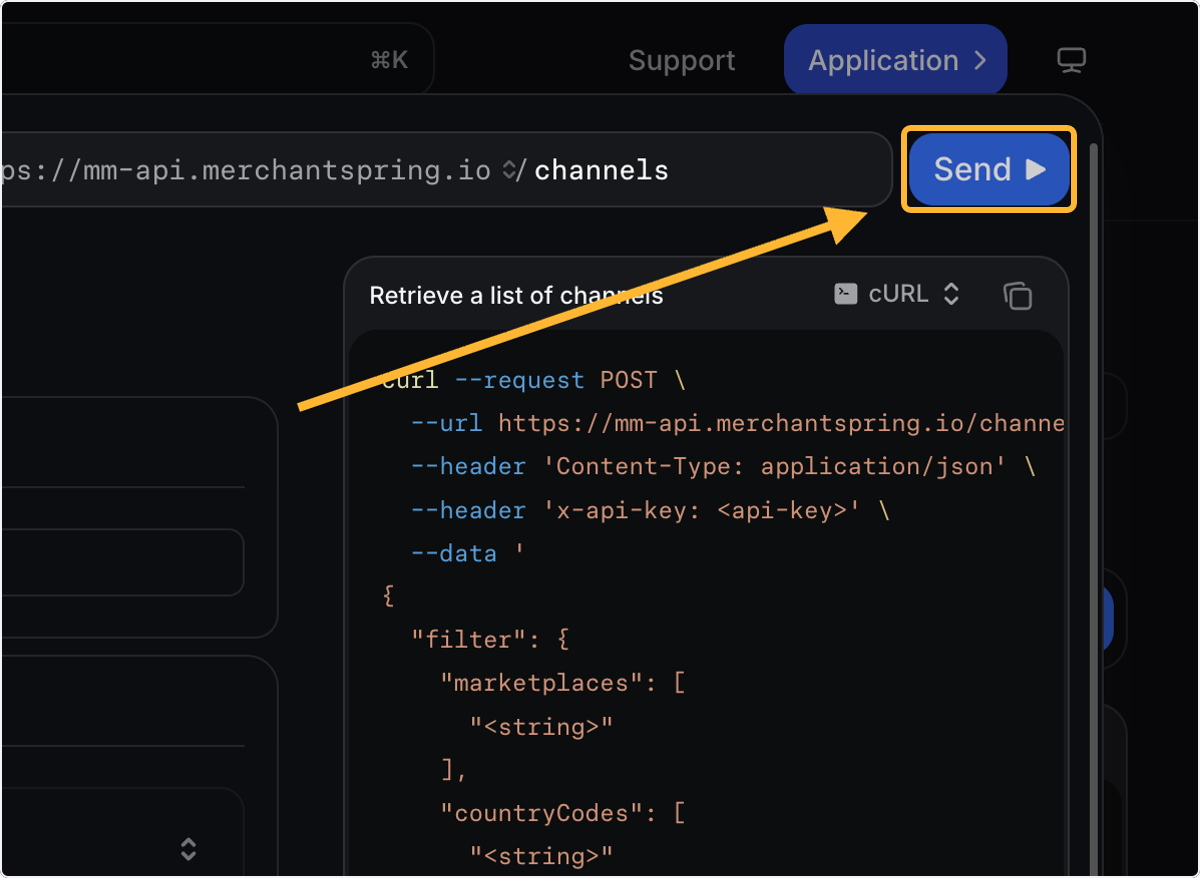
The documentation can generate request examples in different programming languages. cURL is useful for troubleshooting because the generated request can be copied into a terminal after the API key has been inserted securely.
Understanding the response- HTTP 200 means the request succeeded, but the response can still contain no records if no data matches the filters
- HTTP 403 can indicate an authentication or authorisation problem
- A successful test helps isolate whether an issue is in the API request or in the application using it
Interactive tests are live API requests and count toward the applicable API usage. Keep your API key protected throughout testing.
Need more help? Contact MerchantSpring Support at support@merchantspring.io.