![MS_Master_Horizontal_Reversed (1).png]](https://help.merchantspring.io/hs-fs/hubfs/MerchantSpring%20Logos/MS_Master_Horizontal_Reversed%20(1).png?height=30&name=MS_Master_Horizontal_Reversed%20(1).png)
The Report Commentary agent is found on the right side of your MerchantSpring account. This allows you to add comments to different sections of your generated Report and also internal comments (only viewable to you as the MS user).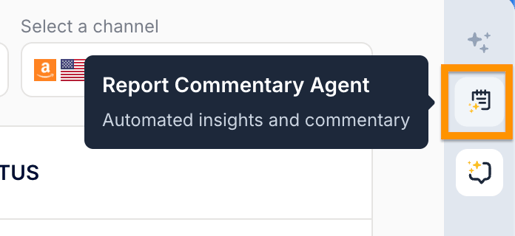
- Select the section in the Commentary List.
- Click the Edit button at the bottom of the page.
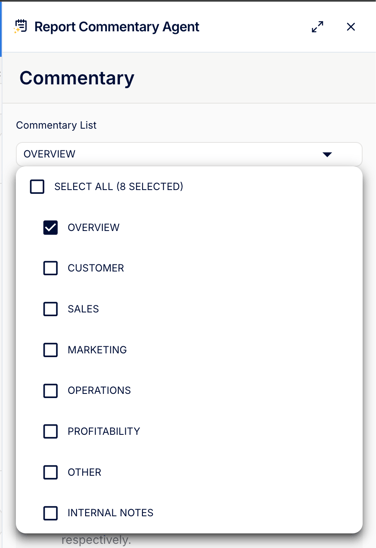
- Once you've added comments in different sections, you can add them to your report by going to Reports > Create a Report > select the Elements equivalent to what you've commented on. These are available under Elements > Commentary.