![MS_Master_Horizontal_Reversed (1).png]](https://help.merchantspring.io/hs-fs/hubfs/MerchantSpring%20Logos/MS_Master_Horizontal_Reversed%20(1).png?height=30&name=MS_Master_Horizontal_Reversed%20(1).png)
If you need to update which Advertising Portfolios are included in an existing filtered channel, you can modify the portfolio selection by following the steps below.
Update the Advertising Portfolios
- Log in to your MerchantSpring account and click Add Channel.
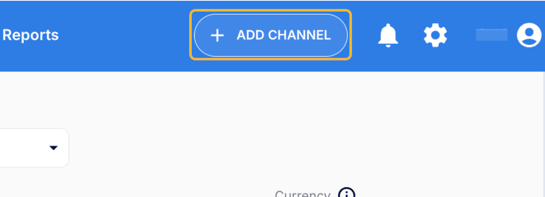
- Under the channel options:
- Click ADVERTISING CHANNEL.
- Click Select a channel.
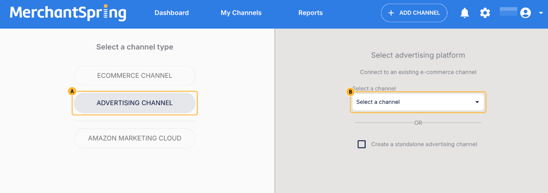
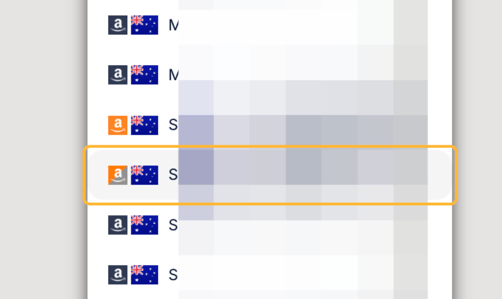
- Select the filtered channel you’d like to modify.
- Click NEXT
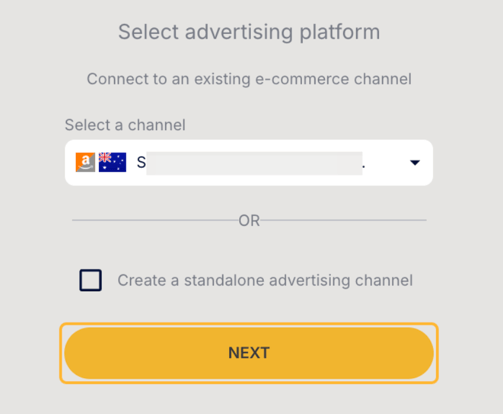
- Review the Advertising Portfolios currently listed for the filtered channel.
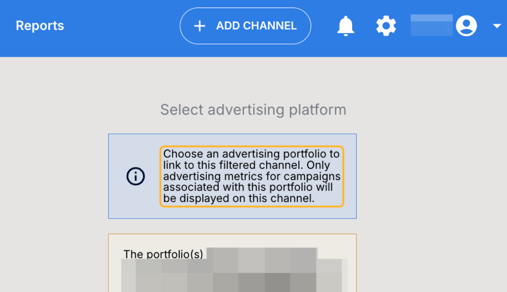
- Click Portfolios to open the portfolio selection.
IMPORTANT: Connecting a different portfolio will override your existing settings.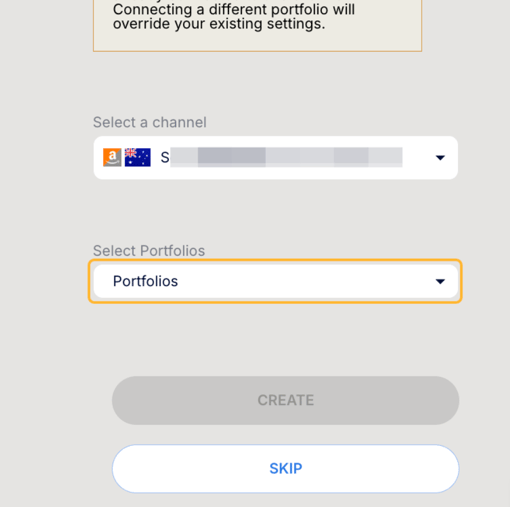
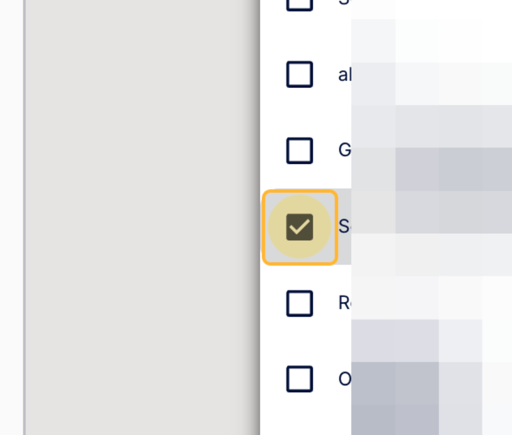
- Select the portfolio(s) you’d like to connect to the filtered channel.
- Once you’ve confirmed your selection, click CREATE to save the changes.
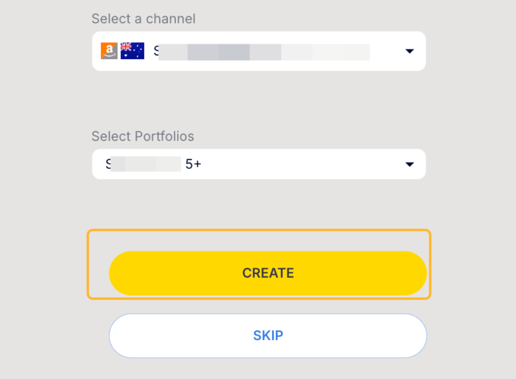
Your filtered channel will now use the updated Advertising Portfolio selection.
Need help?
If you have any questions or need assistance updating your filtered channel, please reach out to the MerchantSpring support team.